



Listen in the Car
Save MP3s to your phone or a compatible USB drive, then play your own Suno songs through your car's music player without opening Suno.
Paste a Suno song link to download the available MP3 audio or MP4 video. No account or installation required.
Working with multiple songs? Try the Suno Playlist Downloader
Choose a tool to download your music, save useful text, or organize your MP3 library.
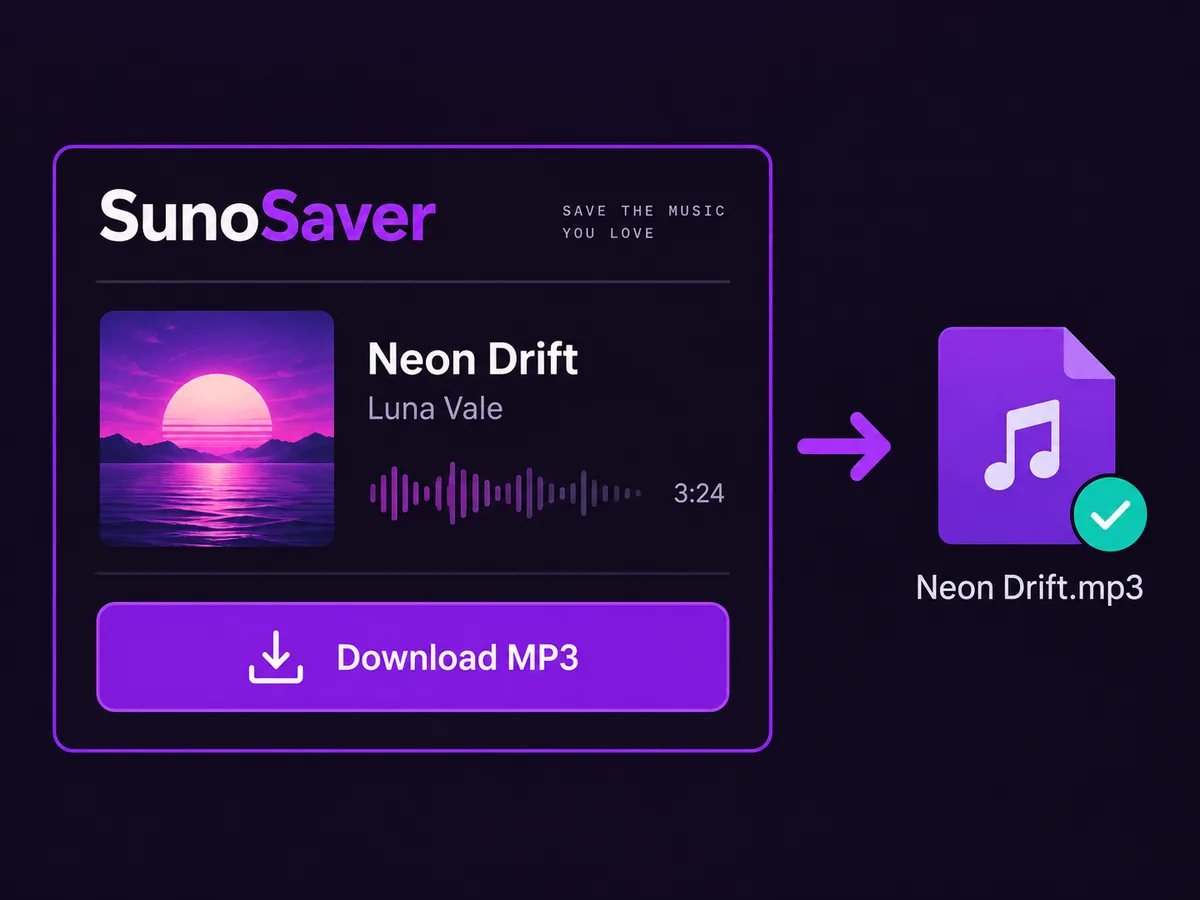
Choose MP3 audio for listening or MP4 video when the source provides it. Check the song title, creator, and duration in the result, then download the file you need.
Download a Song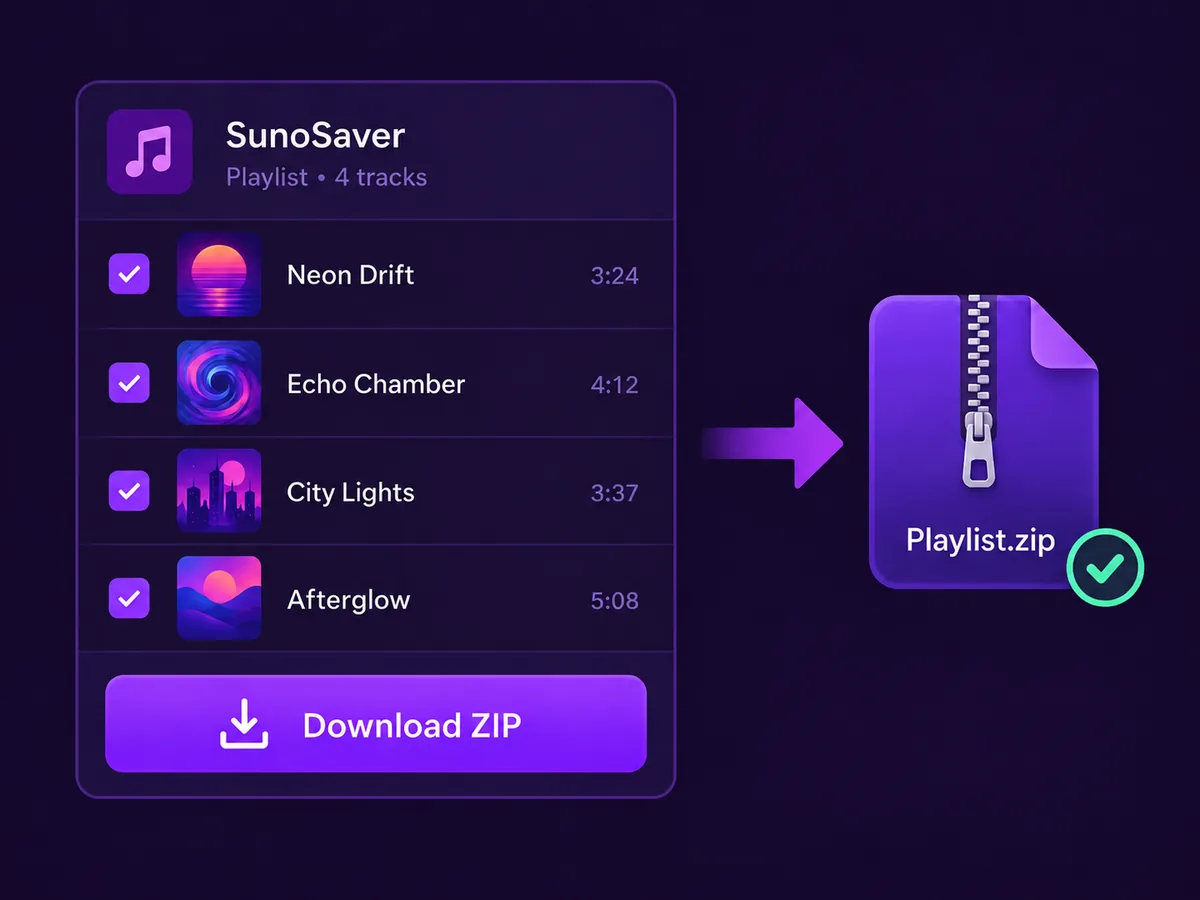
Review a Suno playlist and deselect unwanted tracks without copying every song link. Save the available MP3 files individually or together in a ZIP for easier transfer.
Open Playlist Downloader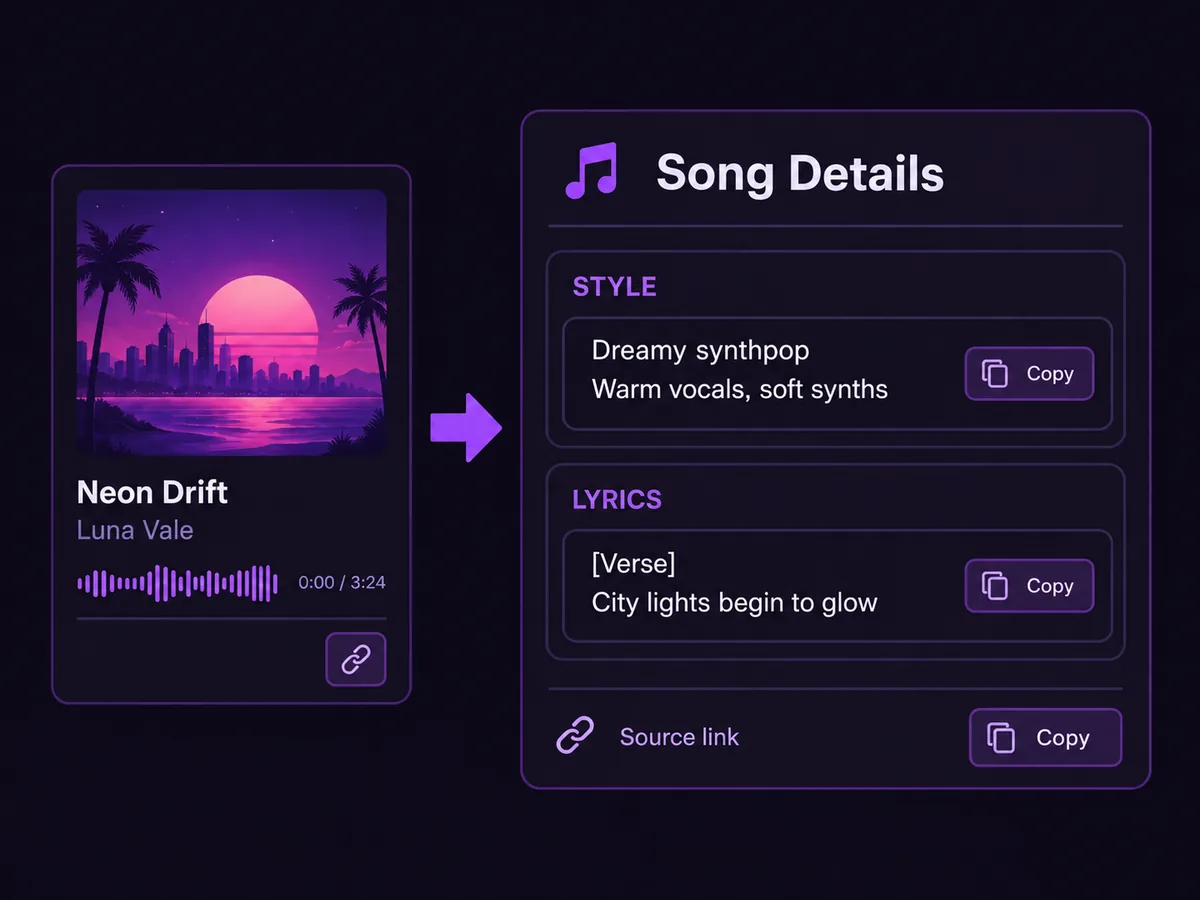
Review the source’s available style description and lyrics in two separate sections. Copy either text or download it as a TXT file to keep a reference for your next song.
Open Prompt Extractor
Update an MP3’s title, artist, album, and cover art, then save the edited file. Give compatible music players the details they need to display and organize your tracks.
Open MP3 Tag EditorCopy a song link, paste it here, and choose the file you want.

 Copy Link
Open a song in Suno, select More (⋯), then Share → Copy Link.

Paste the link into the box above and select "Download a Song".

Choose an available MP3 audio or MP4 video file to download to your device.
Download steps: Copy the song link
Downloading several songs? Use the Suno Playlist Downloader to choose tracks and download them individually or as a ZIP.
SunoSaver benefits: No Account Required
Listen offline, share favorites, back up tracks, or add music to your next project.
Save MP3s to your phone or a compatible USB drive, then play your own Suno songs through your car's music player without opening Suno.
Use case 1 of 6: Listen in the Car
Answers about downloading Suno songs, supported formats, playlists, and access requirements.
SunoSaver is a free online Suno downloader. Download available MP3 audio or MP4 video from a song link, or save selected playlist tracks as MP3 files. The separate Prompt Extractor lets you copy available style descriptions and lyrics or download them as TXT files.
Song information depends on what the source provides. SunoSaver cannot recover missing artwork, creator details, lyrics, or style text, and a downloaded audio file may not include all the details shown on the song page.
Use the Prompt Extractor for available style descriptions and lyrics, or the MP3 Tag Editor to update an MP3's title, artist, album, and cover art.
Yes. Open the Suno Playlist Downloader to load an accessible playlist, review the available songs, remove unwanted versions, and download selected MP3 tracks individually or as a ZIP file.
A playlist download can include only tracks whose audio can be accessed. If some selected tracks fail, SunoSaver can still download the others and shows how many could not be prepared.
A track may be unavailable if it is private, deleted, restricted, expired, or no longer accessible from the original source.
No. Downloading, renaming, organizing, or adding metadata to a file does not change its ownership, license, or commercial-use rights.
SunoSaver does not grant permission to use someone else's song. Review the original platform's terms and the rights attached to the song. See our Terms of Service.
Commercial use depends on the song's original platform rights, your subscription status when the song was created, the materials used to create it, and the laws that apply in your region.
SunoSaver cannot grant commercial permission. Before publishing, selling, or monetizing a song, check the original platform terms and keep a record of the song's source and creation context.
Yes. The song downloader offers MP3 audio and MP4 video when those files are available from the source. If no MP4 is provided, that option is unavailable.
Playlist downloads save MP3 files, individually or in a ZIP. SunoSaver does not offer WAV downloads or convert between formats.
Yes, if you have permission or the necessary rights to use the song. However, a public link alone does not automatically grant permission to download, reuse, redistribute, or monetize the content.
No. SunoSaver does not require you to connect your Suno account. You only need an accessible song link. The result depends on whether the source page and its available files can be accessed.
Only process songs that you created, own, or have permission to use. SunoSaver does not change a song's copyright, ownership, license, or commercial-use rights. Public visibility does not automatically grant permission to download, reuse, distribute, or monetize a song.
The applicable rights depend on the source platform, your subscription status, your input materials, and the laws in your region. Review the original platform's current terms before using a song commercially.
Paste a song link for MP3 or MP4, or choose a playlist to download selected tracks together. No account or installation required.


